
Computer Science Activities for Kids
Free Coding Activities, Games and Resources for Learning at Home or School
Last Updated September 8, 2026
Digital skills are a big part of how kids learn, create, and explore — and you don’t need to be a tech whiz to help them get started! 💻✨ With plenty of free computer science activities for kids available online, children of all ages can build coding, problem-solving, and digital literacy skills at home or in the classroom.
From beginner-friendly coding games and STEM activities to hands-on computer science projects and learning tools, there’s something for every age and skill level. Explore some of the best free computer science resources for kids, students, families, and teachers — and turn screen time into creative learning time!
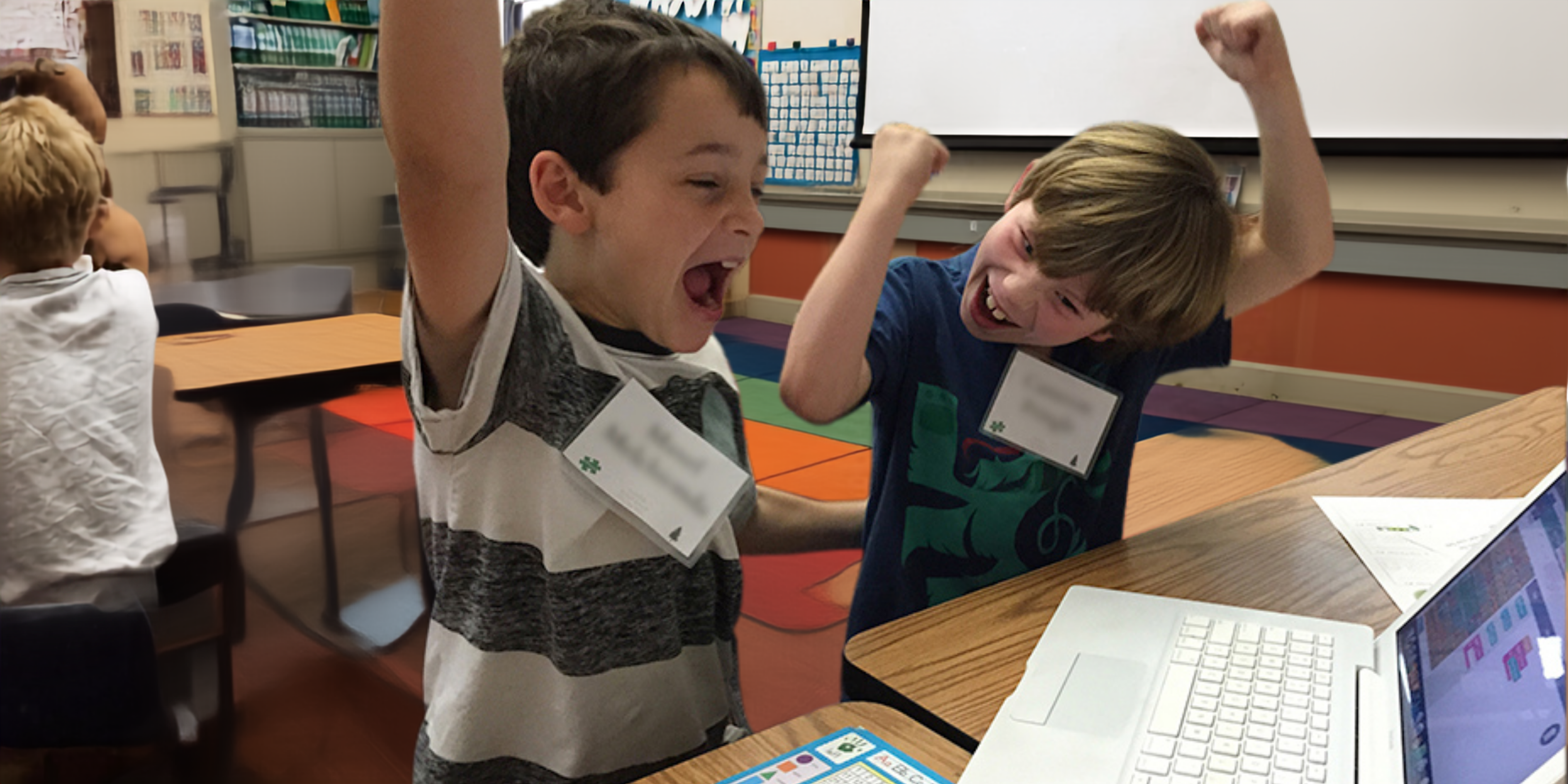
1. Lightbot
Lightbot is a classic programming puzzle game where kids direct a small robot to light up tiles using sequences of commands. The free Hour of Code version covers Basics, Procedures, and Loops — real programming concepts wrapped in a genuinely engaging game. We suggest going through the first "Basics" level yourself before doing it with your child so you can catch on to the interface and guide them through early steps. Best for kids in grades 1-2 and up with basic mouse skills.
2. Hour of Code at Code.org
Code.org's Hour of Code is a collection of one-hour, self-paced coding activities for all ages, including the puzzles used in Family Code Night events. Kids can code with popular characters and game themes, work through beginner to advanced concepts, and explore expanded lessons from Khan Academy and others. These activities work equally well at home or in a classroom, and there are new themed options added regularly. Do them all.
3. Scratch from MIT
Scratch is a free, visual programming language created by MIT that lets kids create their own games, animations, stories, and interactive art. Kids create a free account and then build projects by snapping together code blocks — no syntax errors, all creativity. Finished projects can be shared publicly so friends and classmates can play with what they built. The Scratch community is enormous and incredibly inspiring. Best for kids with some prior coding experience, or generally grades 3 and up.
4. Typing That's Fun: BBC Dance Mat Typing
Touch typing might not sound exciting, but BBC Dance Mat Typing makes learning it surprisingly engaging. It starts with proper hand positioning from the very first lesson and uses fun characters and British voice-overs to keep kids motivated. Keyboard fluency is a foundational digital skill that unlocks every other computer activity — and building it early makes a real difference. Suggested for grade 3 to adult.
5. Tynker
Tynker offers self-paced, block-based and text-based coding courses for kids of all levels, including courses for Minecraft modding, Python, JavaScript, and web development. Free content is available for beginners, with more advanced courses available via subscription. It's an excellent bridge between beginner Hour of Code activities and more advanced languages like Python, and kids can see real, creative results quickly.
6. Unplugged Coding Activities
Not every coding activity requires a screen — and unplugged activities can be some of the most memorable learning experiences for young kids. A few to try at home:
- Coding with directions: Give a child a "program" (written or verbal sequence of steps) to navigate a room or perform a task, then have them write their own program for you to follow. Debug the steps when things go wrong.
- Story-based sequencing: Cut a short story into individual panels or sentences and have kids put them in the right order — this builds the same sequential logic used in programming.
- Robot commands: One child acts as the "robot" and can only follow literal commands from the "programmer" — a hilarious way to experience how computers execute instructions exactly as given.
7. Bring Coding to Life at Your School
Individual coding activities at home are great, but community events like Family Code Night and Hour of Code bring the experience alive in a shared, social context that motivates kids in a completely different way. If your school doesn't already run CS events, consider talking to a teacher or the PTA about organizing one.
SignUp makes it easy to recruit volunteers, manage participant registration, and send automated reminders so coordinators can focus on the event itself rather than logistics.
Frequently Asked Questions
Q: What are good free coding websites for kids?
A: Code.org (Hour of Code), MIT Scratch, Lightbot, Tynker, and BBC Dance Mat Typing are all excellent free resources for kids at different levels. Code.org and Lightbot are great starting points for complete beginners; Scratch and Tynker are excellent next steps for kids ready to create more complex projects.
Q: What age is appropriate for kids to start coding?
A: Kids as young as 4 or 5 can explore basic coding concepts through games and unplugged activities. Most online platforms like Code.org and Lightbot are designed for grades K-2 and up, while Scratch and Tynker are well-suited for grades 3 and up. Starting early — even with simple sequencing games — builds the logical thinking that makes coding easier later.
Q: How can I teach coding to my child at home if I don't know how to code?
A: You don't need prior coding knowledge to support your child. Code.org, Scratch, and Lightbot are all designed for self-guided learning — you and your child can figure them out together. Unplugged activities (no computer needed) are also a great low-pressure starting point. The goal is exploration and curiosity, not perfection.
You May Also Like
Why All Kids Should Learn to Code
CS For All: Organizing & Planning Computer Science Events
About the Author

Tara McAdams
Digital Marketing Manager, Content Strategist & Creator
Tara leads content strategy at SignUp and creates a variety of resources on a wide range of topics – including lifestyle trends, prep for holidays, volunteer management, and event planning. More about Tara →


